Home robots can make life a whole lot easier, but sometimes they just don’t cooperate. If your home robot isn't performing like it should, don't panic! Let's tackle some common issues together.
First up, check the basics. Is your home robot charging properly? If it’s not responding, it might just need a good charge. Make sure the charging cable is plugged in and the connections are clean. A little dust can mess things up. If it still won’t charge, try a different outlet. Sometimes, it’s just a simple power issue.
Next, look for software problems. Home robots often come with apps that let you control them or update their software. If your robot is acting weird, update its software. This can fix bugs and improve performance. If updates don’t help, try resetting the robot to its factory settings. It sounds complicated, but most come with easy-to-follow instructions.
If your home robot is stuck or won't move, check for obstacles. Sometimes, it can get caught on something or miss a signal. Clear the area around it and make sure nothing is blocking its sensors. If it’s a robot vacuum, empty its dustbin and clean the brushes to keep it running smoothly.
Lastly, don’t forget about the troubleshooting guides! Most brands provide manuals and online resources that can help you identify and fix common problems. If you’re still having issues after trying these tips, reaching out to customer support might be your best bet. They’re there to help, so don’t hesitate to ask!
Step by Step Repair Guide
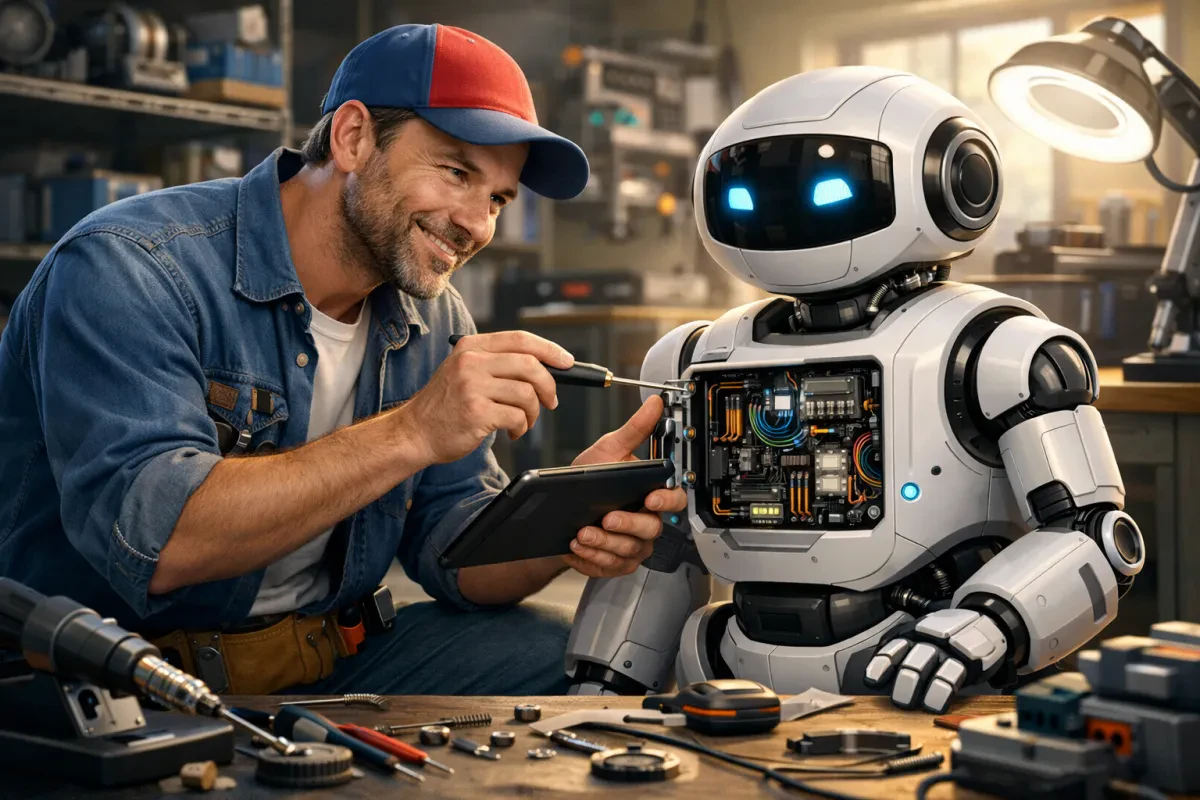
Got a stubborn home robot that’s just not cooperating? Don’t worry! Let’s walk through a simple step-by-step repair guide to get it back in action. Follow these steps, and you’ll be on your way to making your home robot work like new again.
Step 1: Identify the Problem
First, you need to figure out what’s going wrong. Is your home robot refusing to charge? Maybe it’s not responding to commands? Take a moment to observe its behavior. Jot down any error messages or strange sounds you notice. Understanding the issue is key to a successful repair.
Step 2: Gather Your Tools
Before diving in, grab a few essential tools. Here’s what you might need:
- Small screwdriver set
- Cleaning cloth
- Isopropyl alcohol (for cleaning contacts)
- Replacement parts (if necessary)
Step 3: Open It Up
Carefully open your home robot using the screwdriver. Take your time and keep track of the screws. You don’t want to lose any! Once you’ve got it open, look for any obvious signs of damage, like frayed wires or loose connections. If you spot anything out of place, make the necessary adjustments or replace the faulty parts.
Step 4: Clean and Care
Dust and dirt can cause all sorts of issues. Use your cleaning cloth and isopropyl alcohol to clean the internal components gently. Pay special attention to the sensors and connectors. A little TLC can go a long way in restoring your home robot to its former glory.
With these steps, you’re well on your way to fixing your home robot. Remember, patience is key. If you’re still having trouble after following these steps, it might be time to reach out for professional help. Happy repairing!
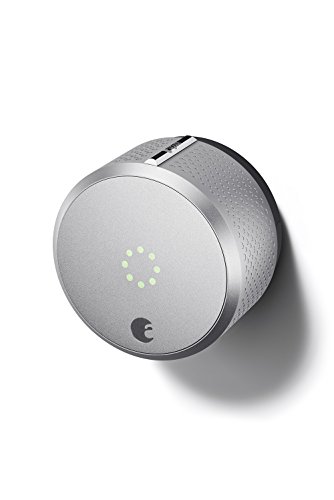
August Smart Lock, 2nd Generation, HomeKit enabled (Silver)
Secure Your Home with the August Smart Lock's HomeKit Integration
Product information
$299.99
Product Review Score
4.59 out of 5 stars
9 reviewsProduct links
Tips for Preventative Maintenance
Taking care of your home robot can save you time and money down the line. A little preventative maintenance goes a long way. Here are some easy tips to keep your robot running like new!
First, make it a habit to clean your home robot regularly. Dust and dirt can build up, affecting its performance. Take a soft cloth and gently wipe down the exterior. Also, check and clean the sensors—they help your robot navigate around your home. Keeping these parts clean ensures it won’t miss a spot when it’s working.
Next, keep an eye on the batteries. If your home robot runs on rechargeable batteries, don’t wait until they’re completely drained. Charge it when it’s low to maintain battery life. When not in use for a while, store your robot with the battery charged at around 50%. This helps avoid battery fatigue and extends its life.
Another great tip is to run updates on your home robot. Most of these gadgets come with software that needs updates from time to time. Check the manufacturer’s website or app for any available updates. Keeping your software current can improve performance and add new features. It’s an easy way to ensure your robot continues to do its job well.
Finally, read the user manual. It may seem boring, but it has important info on your specific model. There are usually maintenance tips, troubleshooting steps, and guidelines on how to handle repairs. Following these instructions can help you avoid bigger issues later on.

Smart WiFi Remote for Home Automation & Voice Control
Easily control your smart devices with this user-friendly remote that responds to your voice
Product information
Product Review Score
4.25 out of 5 stars
161 reviewsProduct links
When to Call for Expert Help
Sometimes, even the best home robot can run into problems that need a little extra expertise. If your robot isn’t charging, won’t connect to your home Wi-Fi, or just doesn’t seem to be doing its job right, it may be time to call for expert help. Don’t stress—this happens to lots of folks who use home robots, and it’s totally normal.
If you've tried the basic troubleshooting steps like restarting the robot or checking the connections, yet nothing seems to work, it’s a good sign you might need a tech-savvy friend. Issues like software glitches or hardware malfunctions often require a professional touch. You’ll save time and headaches by reaching out for help when you hit a wall with your home robot.
Another red flag is if your robot is making strange noises, smelling funny, or showing error messages you can't get rid of. These things can indicate a deeper problem that you shouldn’t ignore. It’s better to get it checked out than risk causing more damage.
And hey, if your home robot is still under warranty, definitely reach out to customer support. They can guide you through common issues, and sometimes, they’ll even take care of repairs or replacements for you. Always check the warranty policy, so you get the most out of your purchase.
Rember, Mr Home Guy is your trusted certifed Droid Tech for when you need a pro.