When it comes to securing your home, smart devices can be game-changers. They offer more than just convenience; they enhance your safety by keeping an eye on things, even when you’re not around. But with so many options out there, how do you choose the right ones?
First, think about your specific needs. Do you want to monitor your home while you’re at work? If so, a smart camera can give you peace of mind. Look for features like night vision, two-way audio, and motion alerts. Popular options include the Ring and Arlo cameras, which are user-friendly and offer great video quality.
Next, consider smart doorbells. These devices not only let you see who’s at the door but also allow you to communicate with visitors remotely. They’re perfect for deterring unwanted guests. Brands like Nest and Ring have excellent models that integrate nicely with other smart home devices.
Lastly, think about smart locks. These can be a solid solution for enhancing your front door security. Look for features like keyless entry, remote locking, and activity logs. Options like August and Schlage are dependable and offer a range of security features that can really simplify your life.
Easy Ways to Set Up Your System
Setting up your smart home system doesn't have to be complicated. With just a few easy steps, you can get your devices talking to each other and ensure your home stays secure. Here’s how to get started:
1. Choose Your Hub
First things first: you’ll want a central hub. This is where all your smart devices will connect. Whether you go for a dedicated hub or use your smartphone, just make sure it supports the devices you’re planning to buy.
2. Pick Compatible Devices
Make sure the smart devices you choose are compatible with your hub. Look for products that mention “Works with [your hub's name]” on the box or in the description. Common options include smart locks, security cameras, and motion sensors.
3. Follow the App Instructions
Once you have your devices and hub, download the relevant app. The setup process is usually straightforward—you just follow the prompts to connect each device. Most apps will guide you through adding devices, so don’t worry about getting lost!
4. Set Up Automation
After everything’s connected, think about setting up some automation. This could be scheduling your lights to turn on at sunset or having your cameras send alerts to your phone when they detect motion. It’s a great way to tailor your system to fit your lifestyle.
With these easy steps, you’ll have your smart home system up and running in no time. Enjoy the peace of mind that comes with securing your home!
Benefits of Smart Home Security Technology
Smart home security technology offers a range of benefits that make protecting your home easier and more efficient. One of the biggest perks is convenience. With smart security systems, you can monitor your home from anywhere using your smartphone. Whether you’re at work or on vacation, you can check in on your property, get real-time alerts, and even control your cameras or locks remotely.
Another great advantage is enhanced safety. Many smart security devices come with advanced features like motion detection, night vision, and two-way audio. This means you can see what's happening outside your home, talk to visitors, or scare off potential intruders—all from the palm of your hand. Plus, the presence of visible cameras can act as a strong deterrent to would-be burglars.
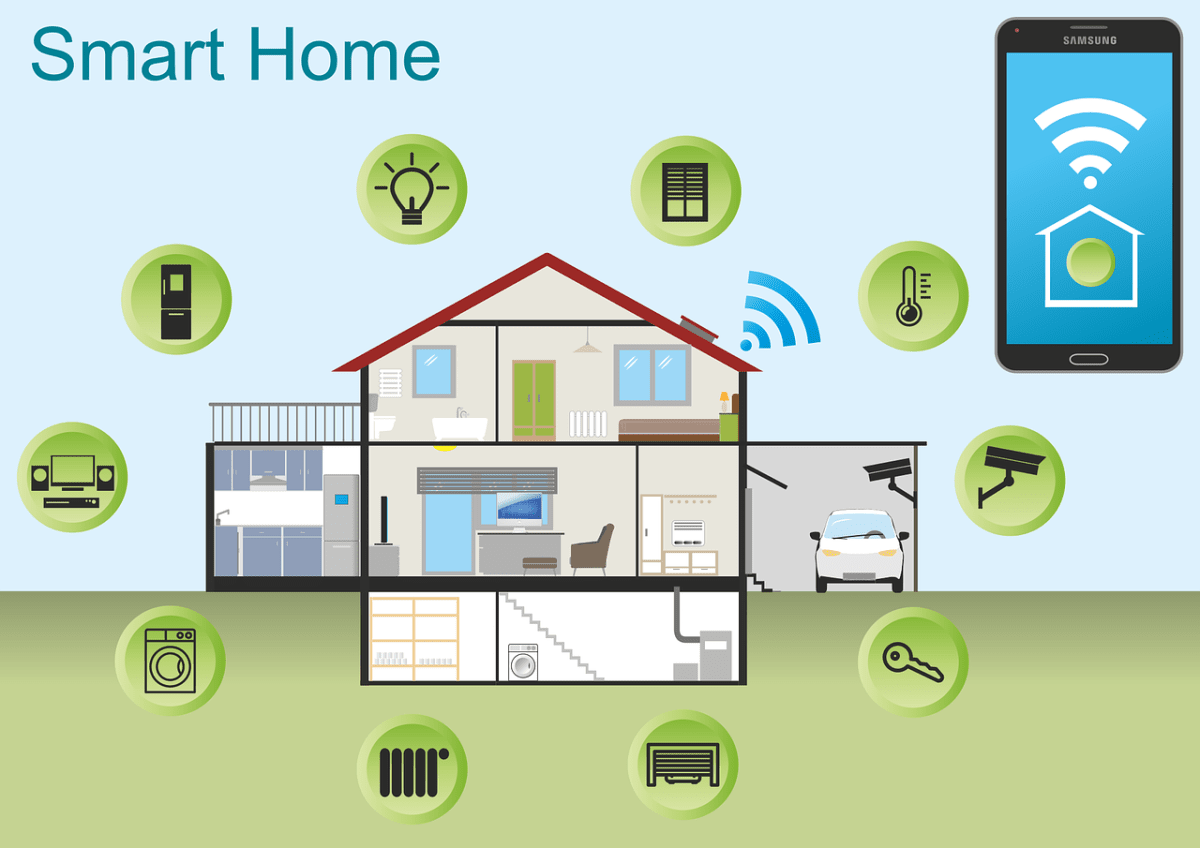
Smart home security technology also often integrates well with other devices in your home. You can create a unified system that includes smart locks, cameras, lights, and alarms all working together. Picture this: if a camera detects motion, it can trigger your outdoor lights to turn on, making your home look lively and well-protected.
Finally, many smart security systems are highly customizable. You can choose what features matter most to you and set up notifications that suit your lifestyle. Whether it’s a simple camera or a comprehensive home monitoring system, you can find options that fit your specific needs and budget.
Tips for Keeping Your Devices Updated
Keeping your smart devices updated is key to maintaining their security and functionality. Here are some straightforward tips to help you stay on top of updates.
Following these tips can help you ensure your smart devices are always running smoothly and securely. A little effort goes a long way in keeping your home tech safe!