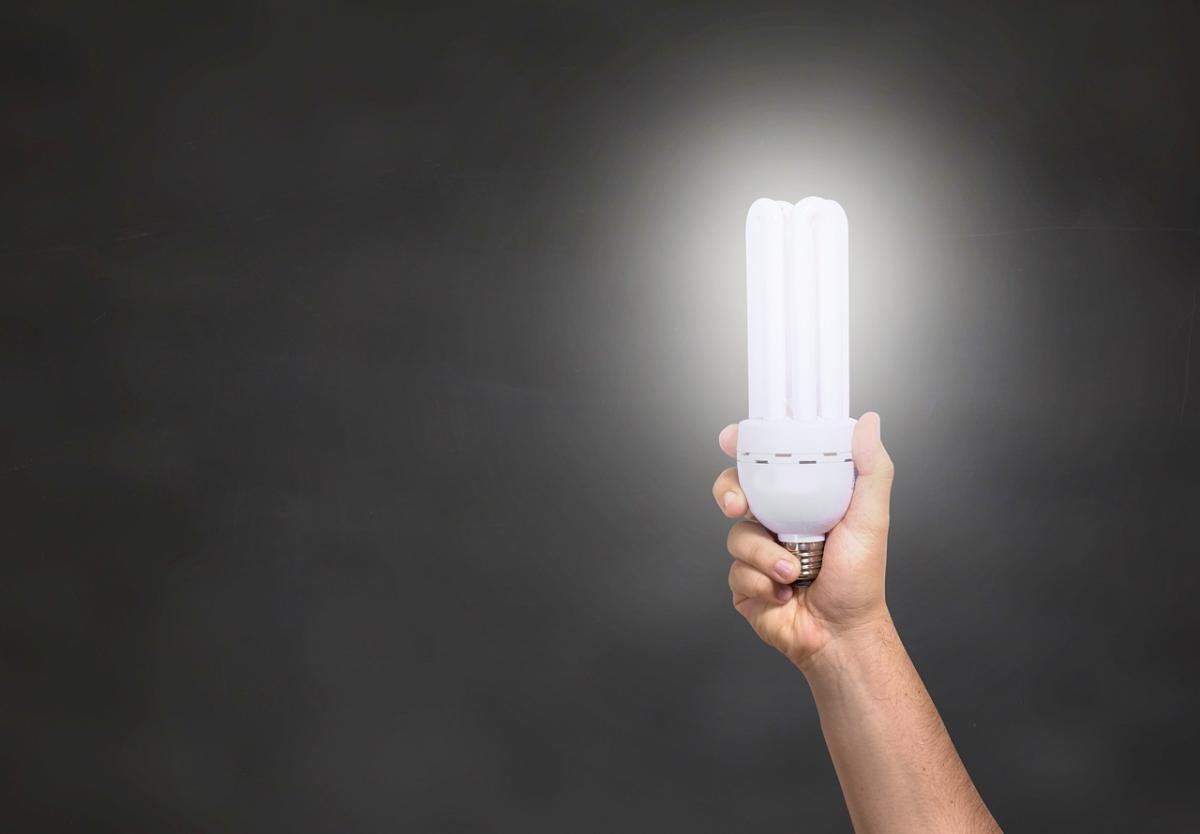
Wifi smart bulbs are becoming a must-have for any modern home, and it's easy to see why! These bulbs offer a blend of convenience, energy efficiency, and cool features that can really enhance your living space. If you’ve ever dreamed of adjusting your lighting from the comfort of your couch or setting the perfect mood for movie night, then smart bulbs are definitely for you.
One of the biggest perks of wifi smart bulbs is how easy they are to control. With just a tap on your smartphone, you can turn lights on or off, dim them, or even change colors. It's super convenient when you’re snuggled up in bed and don’t want to get up to turn off the lights. Plus, many smart bulbs can be scheduled, so they can turn on automatically when it gets dark, giving your home a cozy vibe without any extra effort.
Energy efficiency is another great reason to consider these bulbs. Smart lights use LED technology, which means they consume a fraction of the energy compared to traditional bulbs. Not only does this help keep your electricity bills down, but it’s also better for the environment. Plus, since smart bulbs last much longer, you’ll be changing them less frequently, which is a bonus for your wallet!
Finally, let’s talk about versatility. Wifi smart bulbs come in various shapes, sizes, and colors, so you can find the perfect fit for every room in your home. Whether you want something bright and cheerful for your kitchen or soft, warm lighting for your bedroom, the options are endless. Some bulbs even let you sync with music or movies for an extra fun experience. With all these features, making your home smart and stylish is just a light switch away!
How Wifi Smart Bulbs Connect to Your Network
Setting up WiFi smart bulbs is straightforward, but it helps to understand how they connect to your home network. Essentially, these bulbs work like any other smart device you might own, like your smartphone or laptop. They rely on WiFi to send and receive signals, which means you can control them from an app on your phone, even when you're not at home.
First, you'll need to ensure that your smart bulb is compatible with your WiFi network. Most bulbs work with both 2.4 GHz and 5 GHz bands, but many may only support the 2.4 GHz band. Make sure to check your bulb's specifications to avoid any connectivity hiccups. To get started, simply screw in your bulb and power it on. You’ll usually need to download the corresponding app for the bulb, which will guide you through the setup process.
Once you have the app up and running, it’s time to connect! The app will often ask you to input your WiFi password so the bulb can link up to your network. Some bulbs even use a feature called Bluetooth EZ mode, which simplifies the process by allowing your phone to communicate with the bulb directly for initial setup. Just follow the prompts, and within minutes, you should see your new bulb ready to control!
After your smart bulb is connected, you can enjoy a world of possibilities. You can adjust brightness, change colors, set schedules, or even control the bulb with your voice if you have a smart assistant like Alexa or Google Assistant. It’s all about convenience, and once you've got everything set up, you’ll wonder how you ever did without them!
Setting Up Your Wifi Smart Bulbs Made Easy
Setting up your WiFi smart bulbs is easier than you might think! Whether you’re a tech whiz or a complete beginner, you’ll be enjoying your new lighting in no time. To start, all you need is a stable WiFi connection and a smartphone or tablet. Let’s break it down step by step.
First things first, unpack your smart bulbs and screw them into the light fixtures you want to control. Just like regular bulbs, but way cooler! Once they’re in, make sure the power is on. Most bulbs will start to blink, indicating they’re ready to connect.
Next, download the app that corresponds with your smart bulbs. The brand usually provides a dedicated app for easy setup and control. Open the app and create an account if you haven’t already. This is where the fun begins! Simply follow the on-screen instructions to connect the bulbs to your WiFi network. You may need to have your network password handy.
After connecting, you can customize your setup right in the app. This means changing colors, setting schedules, or even grouping bulbs together for easy control. You can use voice commands if you have a smart home device, which makes adjusting the ambiance even more convenient. Enjoy making your space feel just the way you like it with a few taps or voice commands!
Troubleshooting Common Wifi Smart Bulb Issues
Wifi smart bulbs are pretty amazing, but sometimes they can throw a bit of a fit. If you find yourself facing issues, don’t worry! Let’s tackle some common problems and solutions together.
1. Connection Problems: One of the biggest headaches is getting your bulb to connect to your wifi. If you’re struggling, try these tips:
2. App Connectivity Issues: If the app isn’t recognizing your bulb, it can be frustrating. Here’s what you can do:
3. Light Flickering: If your smart bulb is flickering or dimming unexpectedly, there are a couple of things to try:
By following these tips, you can usually troubleshoot and solve the common issues that crop up with your wifi smart bulbs. Enjoy illuminating your space!